If you’re firmly on the Windows 10 holdout train, I’ve got some concerning news for you. Almost everyone knows about Microsoft ending support for Windows 10, which would leave millions of machines exposed to security vulnerabilities. Many of you might be thinking about bypassing this problem by switching to a third-party antivirus. However, the security gap with Windows 10 lies not with the built-in Defender antivirus, but with the OS itself. An up-to-date antivirus software will do nothing about the lack of security patches for Windows 10 as time goes on. In fact, Microsoft will continue pushing updates for the Microsoft Defender Antivirus (MSDA) on Windows 10 for a while, but switching to Windows 11 is the only way to fully protect your machine.
Microsoft will actually continue supporting MSDA on Windows 10 for free
But that’s only half the story
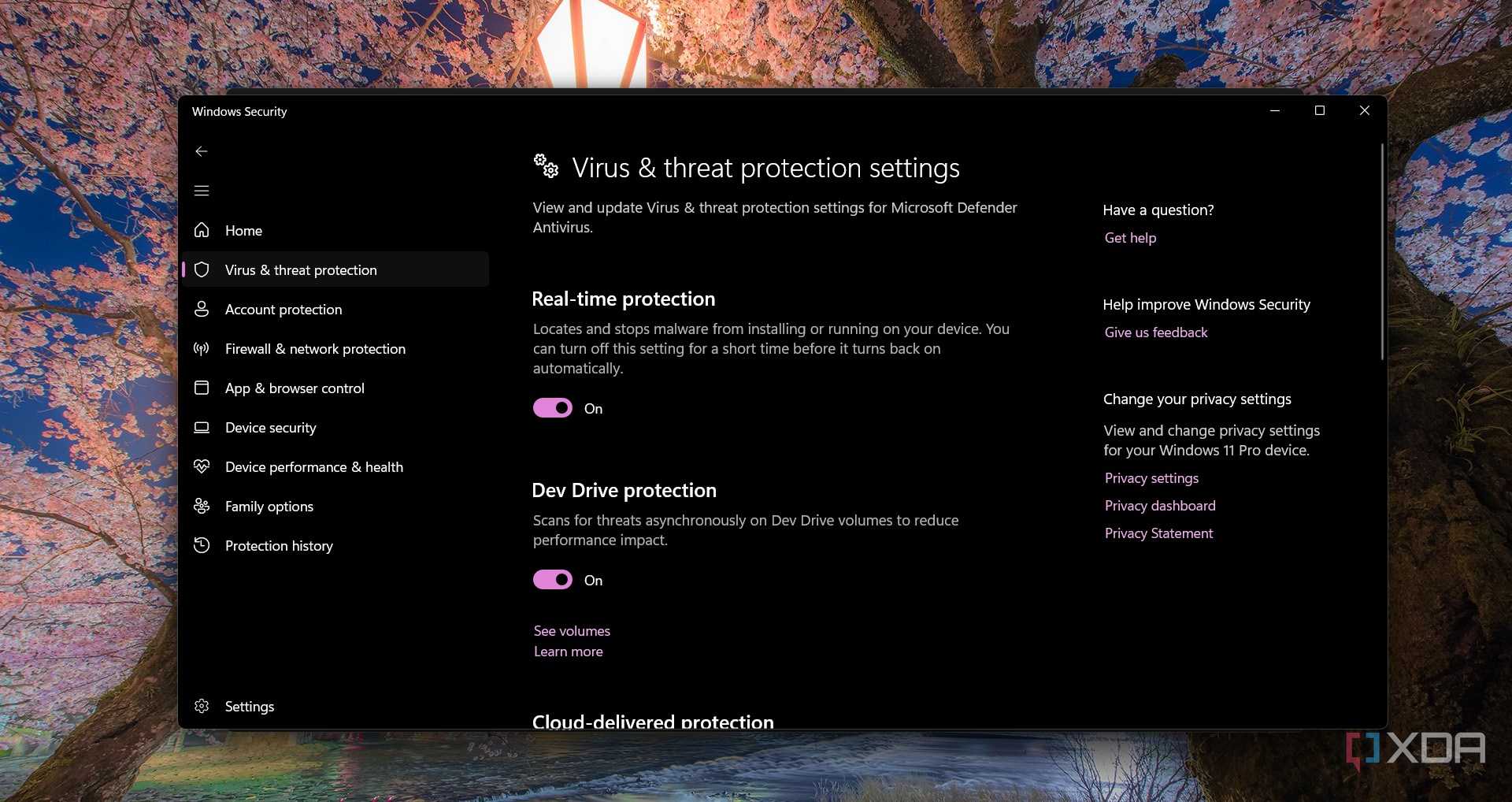
Last month, Microsoft clarified in a blog post what would happen to Defender protection on Windows 10 machines after October 14, the official end of support date for Windows 10. The company announced that the Defender antivirus will continue to receive “detection and protection capabilities to the extent possible on Windows 10”. It sounds like MSDA will continue to work on Windows 10 machines at least for the Extended Security Updates (ESU) period, which currently ends in October 2028.
If you’re living in Europe, paying for extended Windows 10 support, or using Microsoft Rewards to get it, you don’t need to worry. However, those planning to stay on Windows 10 as-is (without paying for ESU), Defender updates will still leave your system exposed to security vulnerabilities. While your antivirus protects you against many known security threats, you’re lacking comprehensive protection without an up-to-date operating system. Critical security patches for Windows 10 will not make it to your PC if you’re simply ignoring its EOL status and planning to wing it. Without ESU, your system would be prone to OS-level exploitation by malicious actors. Millions of unprotected Windows 10 machines will be prime targets for these hackers.
Even switching to a third-party antivirus won’t protect your PC if the OS itself isn’t receiving security patches from Microsoft. Without the critical updates meant to patch newly discovered vulnerabilities in Windows 10, you’ll be leaving your information exposed to targeted attacks.
The simplest solution for Windows 10 users is to move to Windows 11
That’s the unfortunate truth
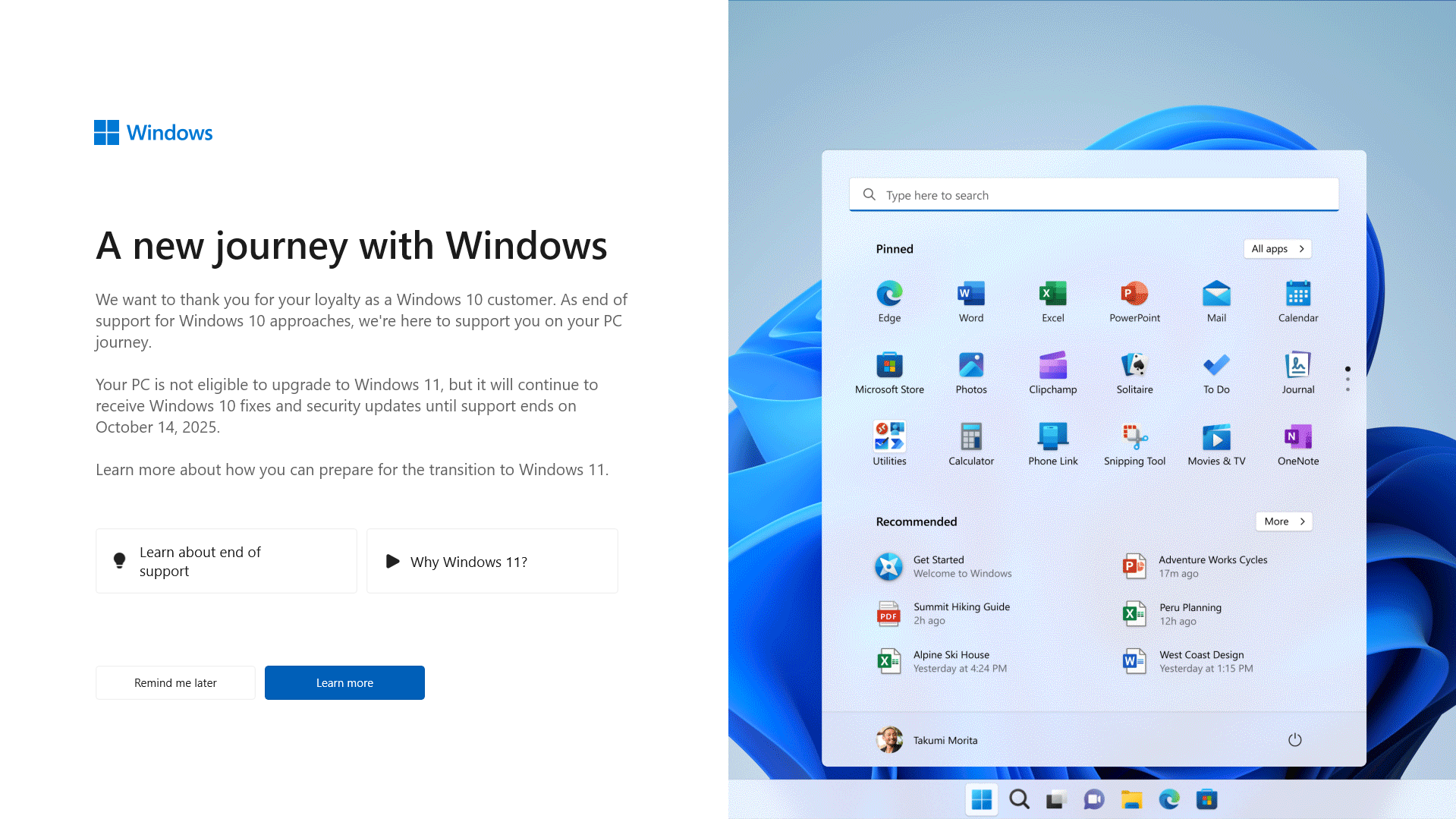
You might hate Windows 11 with a passion — I’m guessing you do if you’re still using Windows 10 — but upgrading your system is the easiest and surest way to ensure comprehensive protection. Switching to Windows 11 from a legitimate Windows 10 license is free, and you’ll get all the latest feature and security updates on your PC automatically via Windows Update. I know the transition can be hard, but I assure you that you’ll get used to it, just like we all got used to Windows 10. It was met with criticism at first, especially regarding data collection, ads, and the aggressive upgrade campaign, but people gradually warmed up to it.
This is how basically every Windows transition goes. Windows 11 is in a great place right now compared to what it was at launch, and your current machine is likely new enough to be eligible for the upgrade. Even if it isn’t, you can use Rufus to bypass the system requirements hurdle, and install Windows 11 on any “unsupported” machine. Alternatively, you could use Flyoobe to dodge the system requirements and customize your Windows 11 install, essentially debloating it for a clean experience. This might assuage some of your fears about the dreaded upgrade to Microsoft’s latest operating system.
Alternatively, you could move to Linux
Many ex-Windows users think it’s the endgame
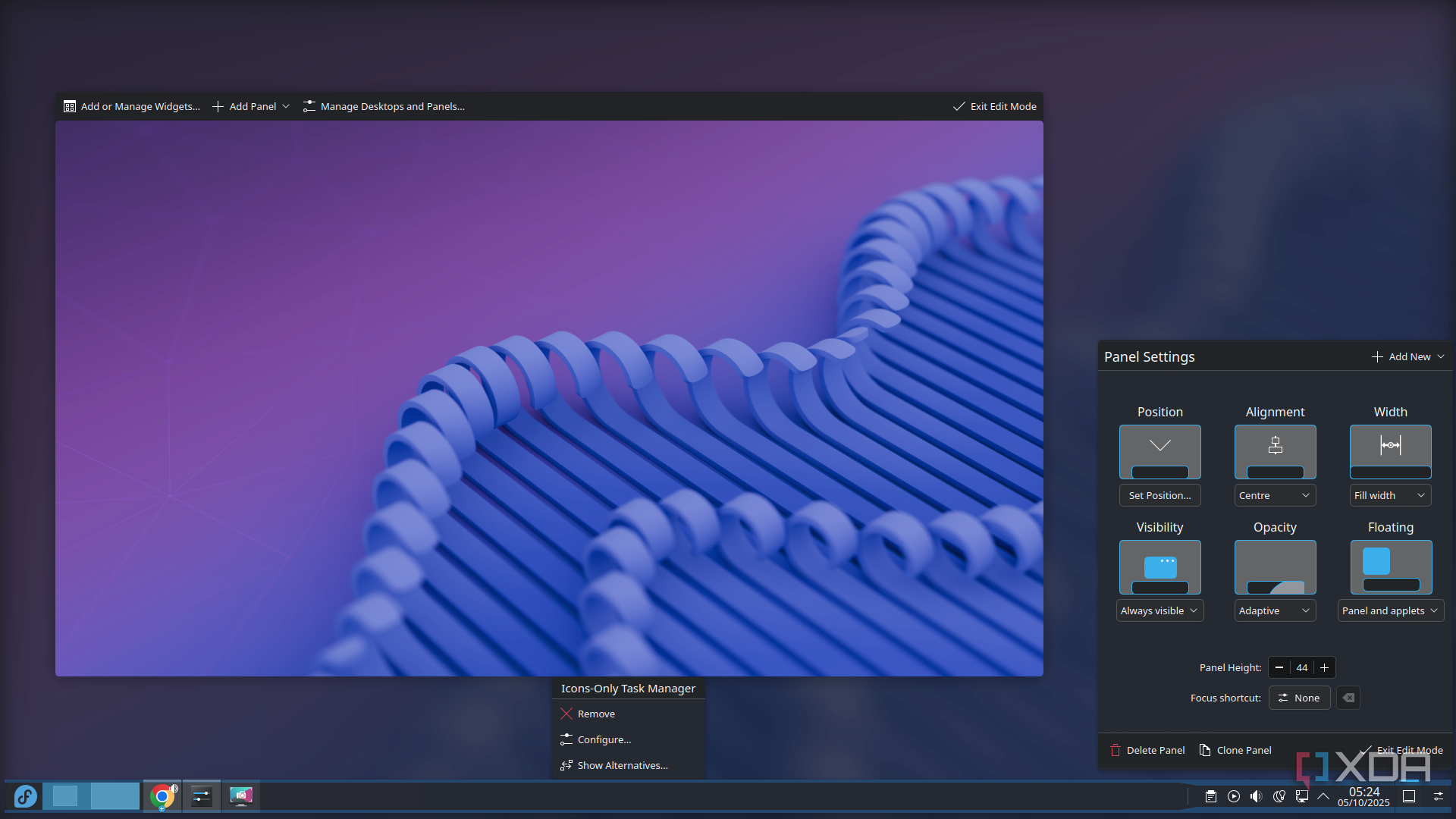
This can come off as rude, but you could leave the Windows ecosystem entirely, embracing the unfamiliar but evolved world of Linux — at least that’s what Linux users around me make it seem. I’m still on Windows 10, and preparing to move to Windows 11 pretty soon. So, I don’t know what goes on in the Linux world, but many of my fellow writers at XDA have made the Windows-Linux transition and are happy about it. Linux Mint is a popular distro for Windows 10 users to try, since it’s easy to pick up, a lot of familiar programs work without issues, and even the terminal isn’t as scary as you might think.
Other Linux distros that might appeal to you as a long-time Windows user are Fedora, Fedora KDE Plasma, and Pop!_OS, with the last one being the best Linux distro for gamers. Each distro is good and bad at one thing or the other, so you’ll not know which one’s your daily driver before you try a few. You could pick a lightweight Linux distro if your machine has a few years on it, beginner-friendly distros if you’d like a simple transition, or something that combines the best of Windows, macOS, and Linux into one all-powerful distro.
I wish I could stay on Windows 10 forever, but change is inevitable
I’ve loved my time with Windows 10. I’ve used it for the last decade, refusing to upgrade to Windows 11 even when I should have. That said, it’s now time for me to make the jump, so I don’t leave my system exposed to security threats, and also because I want to enjoy a better HDR experience on my new OLED monitor. I recommend you do the same on your Windows 10 PC. Windows 11 might not be all you want from your system, but it’s the simplest solution to ensure your machine stays protected against all kinds of security vulnerabilities.